Termux // Style Control
NEON
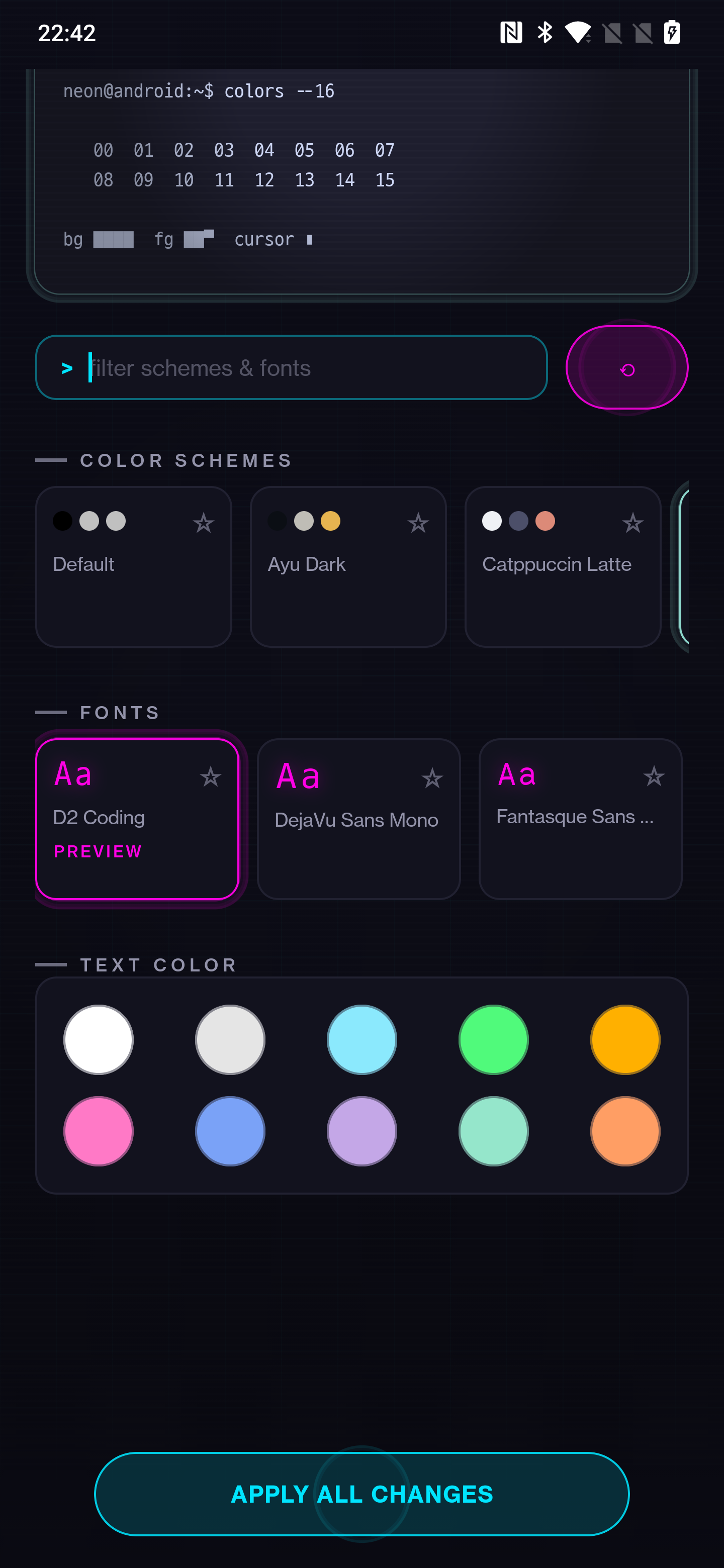
Customize Termux's terminal color scheme and font, with a live preview and one-tap apply that hot-reloads the running session — no restart.
Features
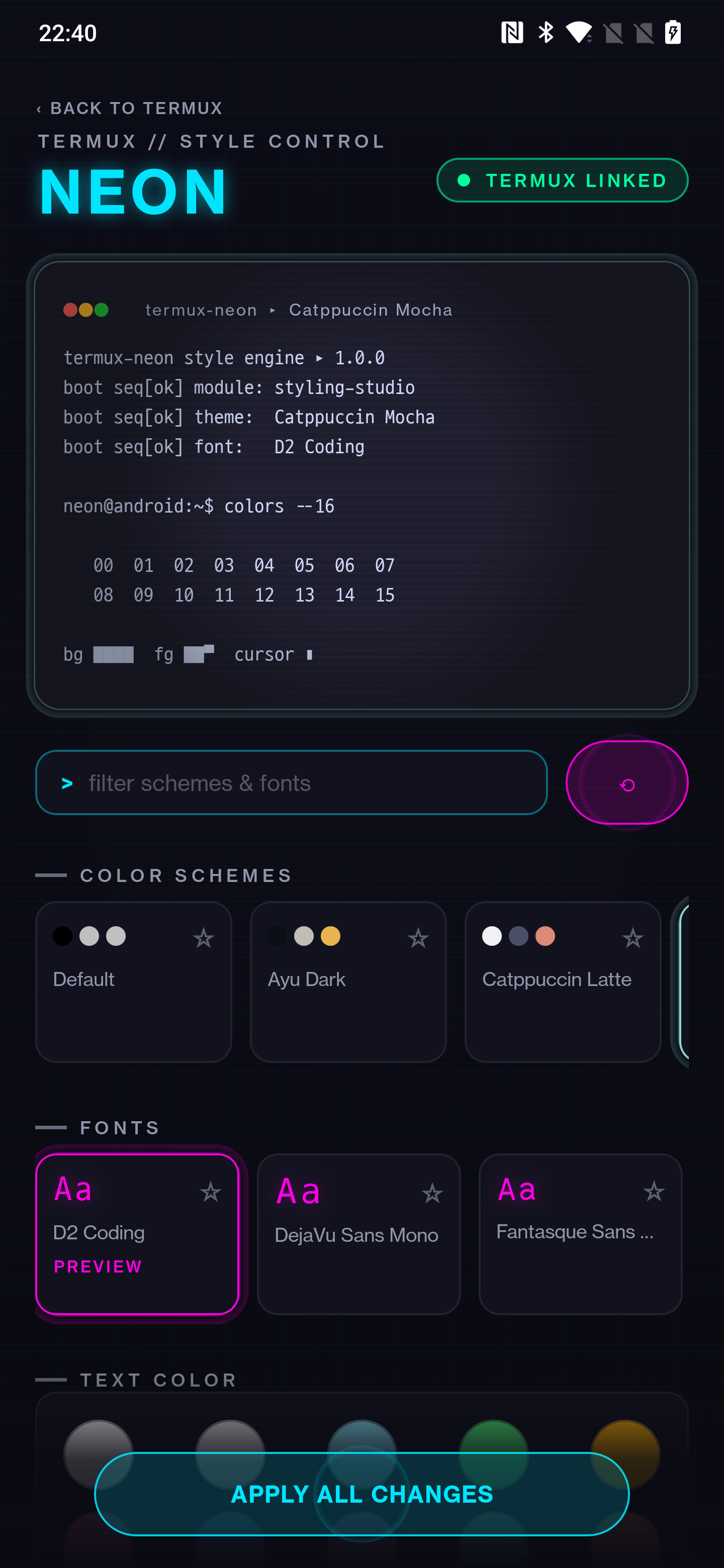
15 curated schemesCatppuccin, Dracula, Nord, Gruvbox, Tokyo Night, Rosé Pine, and more — hand-picked, not a giant dump of every Base16 variant.
Live previewSee exactly how a scheme and font look before touching anything in Termux.
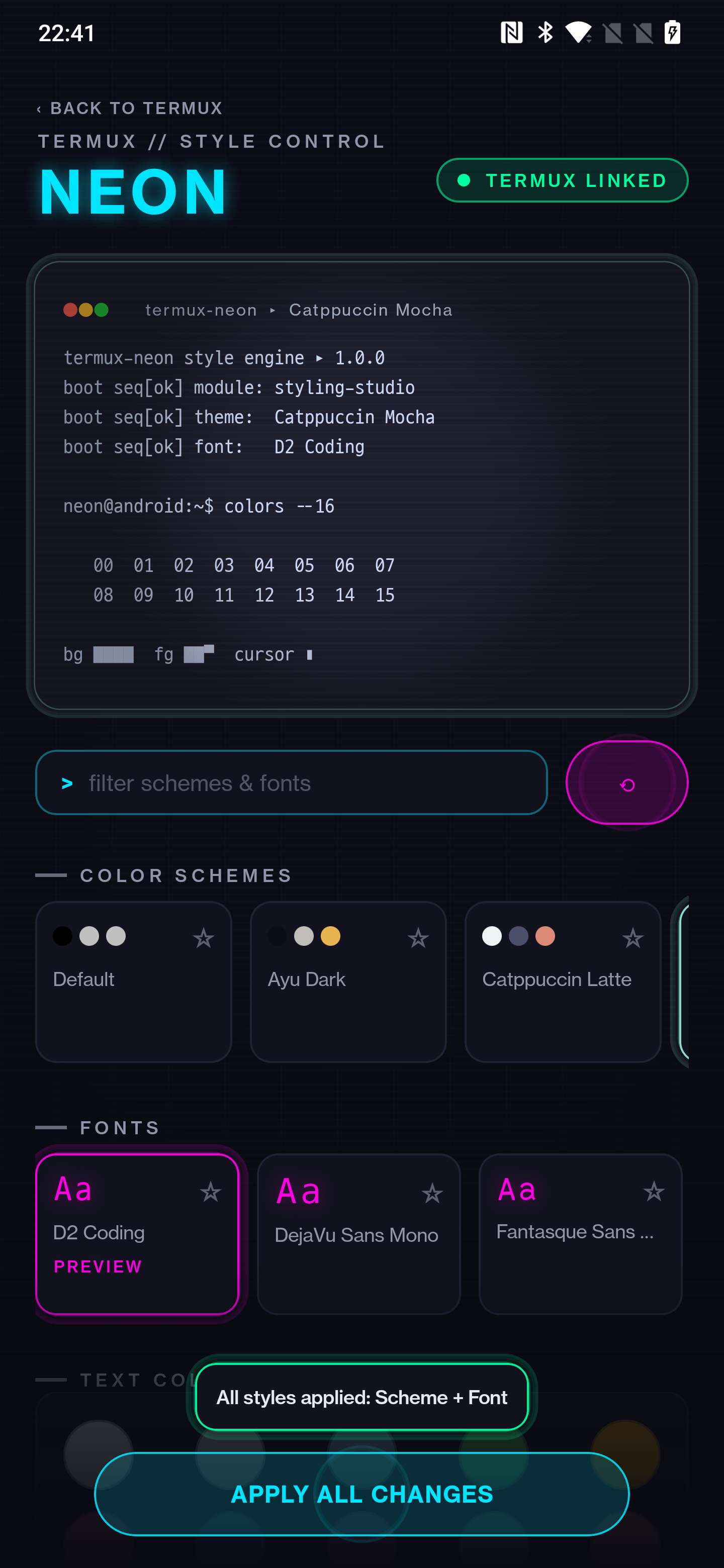
Apply AllOne tap applies scheme, font, and text color together, then hot-reloads your live session.
Favorites & searchStar what you like, filter the rest, shuffle when you can't decide.
Custom text colorAn independent foreground override on top of any scheme, from 10 curated swatches.
Big font collectionPopular Nerd Fonts, D2 Coding, and more — every bundled asset license-checked for F-Droid.
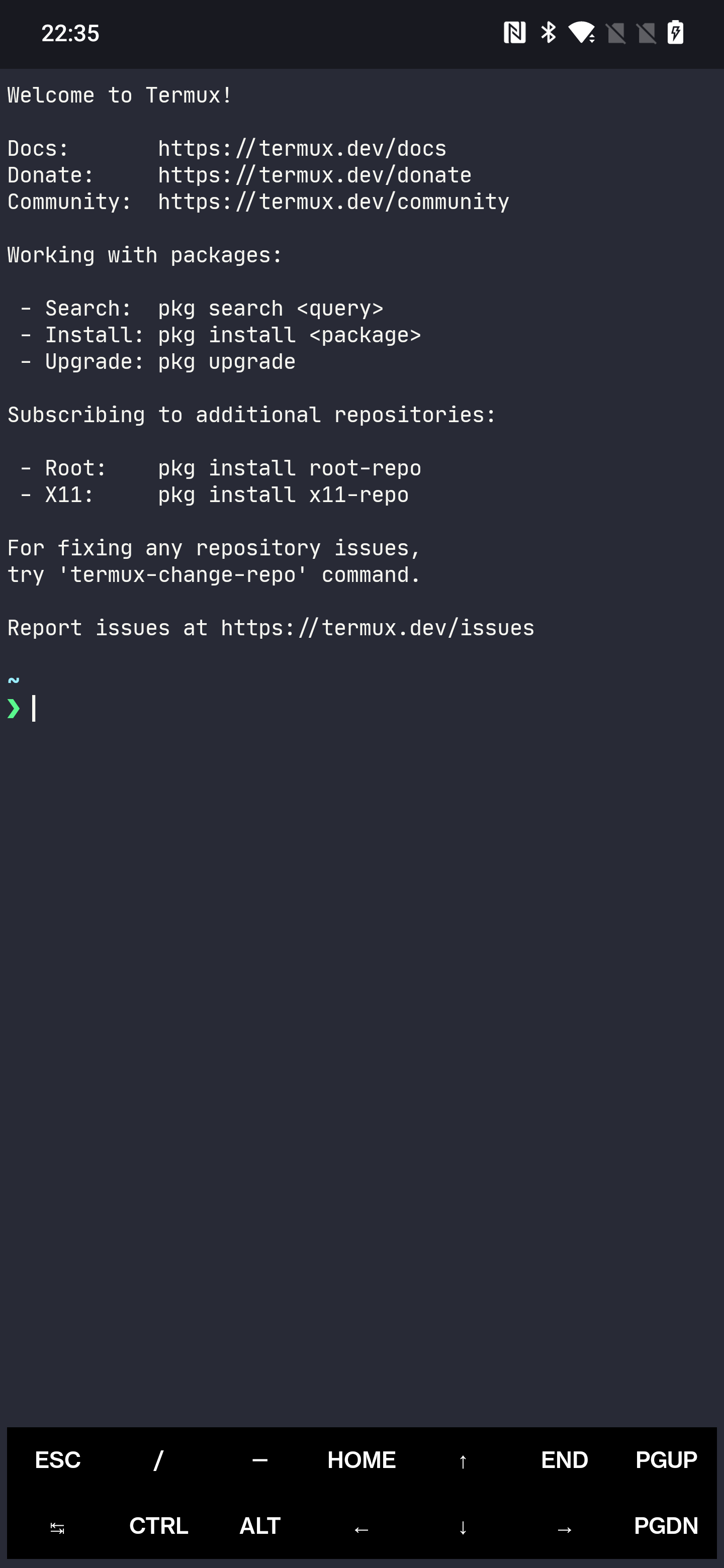
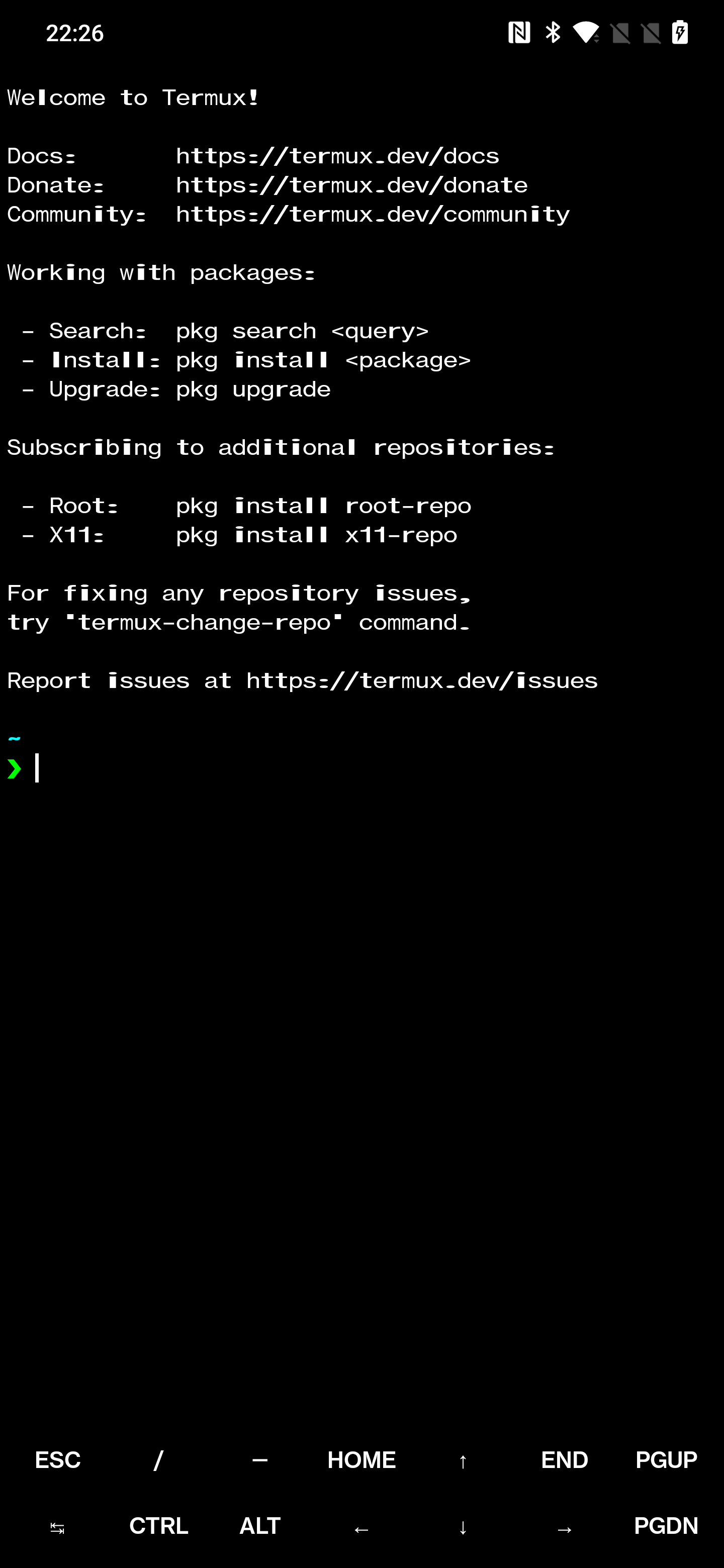
Before / After
Screenshots
Writing
How live-reload broke across two stacked bugs in Termux's plugin broadcast contract, and what it took to actually fix it.
Install
F-Droid — recommended, coming soon
Matches how the original termux-styling add-on is distributed. F-Droid builds and signs the whole Termux app family itself, so the signature always matches an F-Droid-installed Termux.
GitHub Releases — advanced users
Signed with an untrusted debug key — only installs next to a self-built, debug-signed Termux. Not for most users. See the README for details.
Build it yourself
./gradlew :app:assembleDebug then adb install app/build/outputs/apk/debug/app-debug.apk